
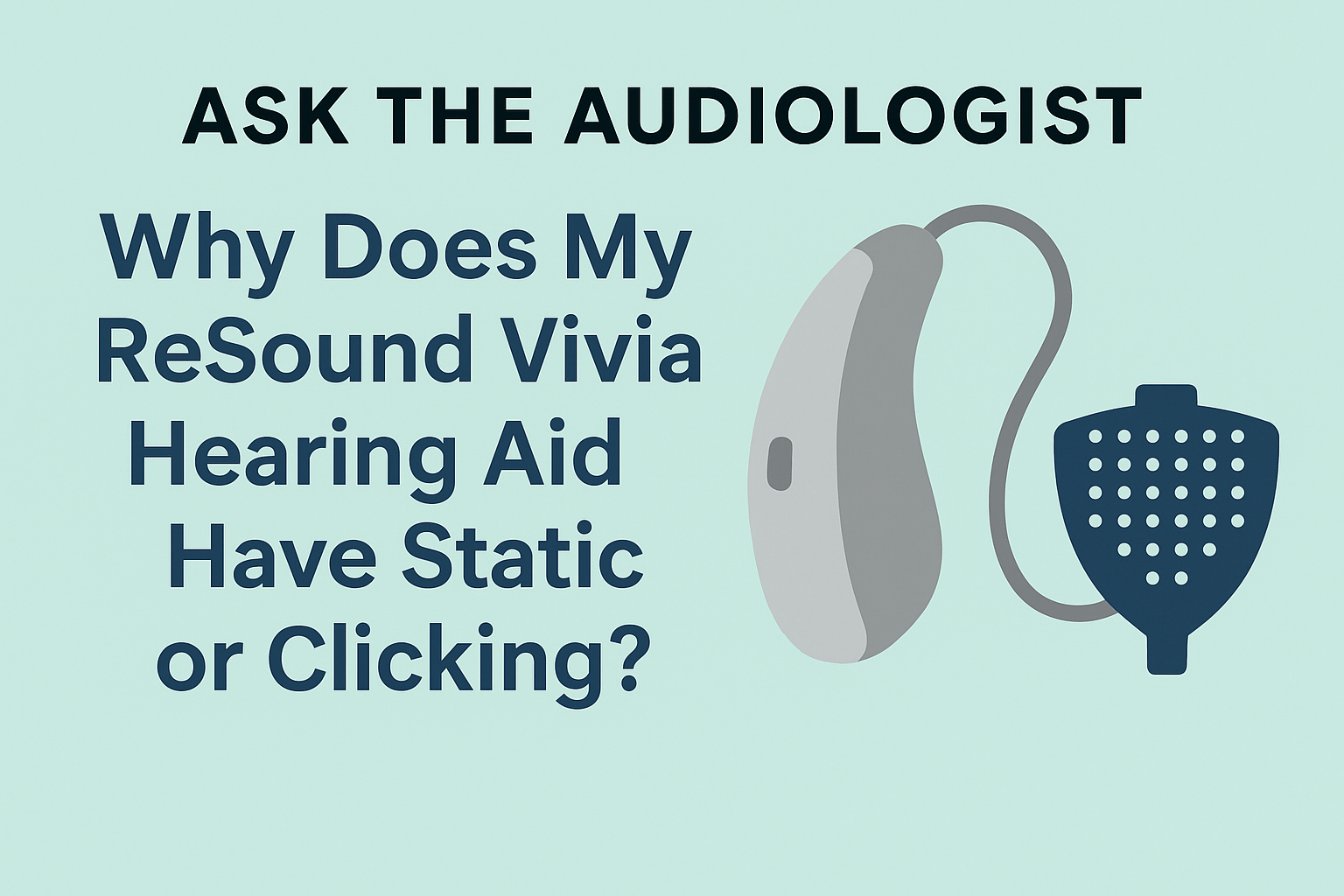
I recently received an email from a reader who wrote:
“I’m having issues with my ReSound Vivia hearing aids. I notice static, intermittency, and sometimes a clicking sound. Has anyone else had this problem, and what should I do?”
These symptoms are fairly common, and one of the most frequent causes is a clogged microphone cover.
Why the Microphone Cover Matters
ReSound hearing aids have tiny protective covers over the microphones. Over time, these covers can become blocked with dust, moisture, or debris. When that happens, you may hear static, distorted sound, or clicking noises.
The good news? This is often an easy fix at home by simply replacing the mic covers. This is similar to other regular maintenance tasks like changing hearing aid tubing, domes, and wax traps.
How to Change a ReSound Microphone Cover
Replacing the microphone cover only takes a few minutes.
- Use the removal tool provided with the replacement kit to lift out the old microphone cover.
- Align the new cover with the microphone opening.
- Press gently until it clicks securely into place.
- Test your hearing aids to confirm improved sound quality.
If your device still has intermittent sound, you may also want to review my guide on hearing aids cutting in and out.
Video Guide
Here’s a quick step-by-step tutorial:
Where to Buy ReSound Microphone Covers
Need replacements? You can order them directly from Amazon here:
👉 Buy ReSound Microphone Covers on Amazon
Final Audiologist Tip
If changing the microphone covers doesn’t solve the problem, the next step is to see your audiologist. In many cases, they will run a test and may need to replace the receiver if that’s the source of the issue.
{ “@context”: “https://schema.org”, “@type”: “BlogPosting”, “mainEntityOfPage”: { “@type”: “WebPage”, “@id”: “https://hearinginsider.com/ask-the-audiologist-resound-vivia-static-clicking” }, “headline”: “Ask the Audiologist: Why Does My ReSound Vivia Hearing Aid Have Static or Clicking?”, “description”: “Reader question about ReSound Vivia hearing aids producing static, intermittency, or clicking. Recommendation: replace the microphone covers first; if problems persist, see your audiologist who may replace the receiver.”, “image”: “https://hearinginsider.com/wp-content/uploads/resound-vivia-hearing-aid-mic-cover-troubleshooting-featured-image.png”, “author”: { “@type”: “Organization”, “name”: “Audiology Content Team” }, “publisher”: { “@type”: “Organization”, “name”: “Hearing Insider”, “logo”: { “@type”: “ImageObject”, “url”: “https://hearinginsider.com/wp-content/uploads/hearing-insider-logo.png” } }, “datePublished”: “2025-09-09”, “dateModified”: “2025-09-09”, “articleSection”: “Troubleshooting”, “isAccessibleForFree”: “True”, “keywords”: [ “ReSound Vivia”, “hearing aid clicking”, “hearing aid static”, “microphone cover”, “receiver replacement”, “troubleshooting” ], “about”: [ {“@type”: “Thing”, “name”: “ReSound hearing aids”}, {“@type”: “Thing”, “name”: “Microphone cover replacement”}, {“@type”: “Thing”, “name”: “Hearing aid troubleshooting”} ], “mentions”: [ { “@type”: “VideoObject”, “name”: “How to Change ReSound Microphone Covers”, “description”: “Step-by-step tutorial for replacing ReSound mic covers.”, “thumbnailUrl”: “https://img.youtube.com/vi/DN3rM2Mlf8o/hqdefault.jpg”, “uploadDate”: “2020-01-01”, “embedUrl”: “https://www.youtube.com/embed/DN3rM2Mlf8o”, “url”: “https://www.youtube.com/watch?v=DN3rM2Mlf8o” } ] } { “@context”: “https://schema.org”, “@type”: “HowTo”, “name”: “How to Change a ReSound Microphone Cover”, “description”: “Simple at-home steps to replace the microphone cover on ReSound hearing aids.”, “totalTime”: “PT5M”, “estimatedCost”: {“@type”: “MonetaryAmount”, “currency”: “USD”, “value”: “10-20”}, “supply”: [ {“@type”: “HowToSupply”, “name”: “Replacement ReSound microphone covers”}, {“@type”: “HowToSupply”, “name”: “Removal/installation tool (included in kit)”} ], “tool”: [{“@type”: “HowToTool”, “name”: “Clean, well-lit workspace”}], “step”: [ { “@type”: “HowToStep”, “name”: “Remove old cover”, “text”: “Use the included removal tool to lift out the clogged microphone cover.” }, { “@type”: “HowToStep”, “name”: “Align new cover”, “text”: “Position the new cover over the microphone opening.” }, { “@type”: “HowToStep”, “name”: “Press into place”, “text”: “Gently press until the cover seats securely and flush with the case.” }, { “@type”: “HowToStep”, “name”: “Test sound”, “text”: “Power on and listen for reduced static/clicking. If issues remain, schedule with your audiologist—receiver replacement may be needed.” } ], “video”: { “@type”: “VideoObject”, “name”: “How to Change ReSound Microphone Covers”, “embedUrl”: “https://www.youtube.com/embed/DN3rM2Mlf8o”, “thumbnailUrl”: “https://img.youtube.com/vi/DN3rM2Mlf8o/hqdefault.jpg” } }